This week LIMA does more than watch LinkedIn for you. It now points you to the posts worth engaging with today, drafts your own posts, and tracks how your own profile is growing. Your daily reports can now be posted in Microsoft Teams and Slack. Here is everything we shipped between 26 October and 1 November 2026.
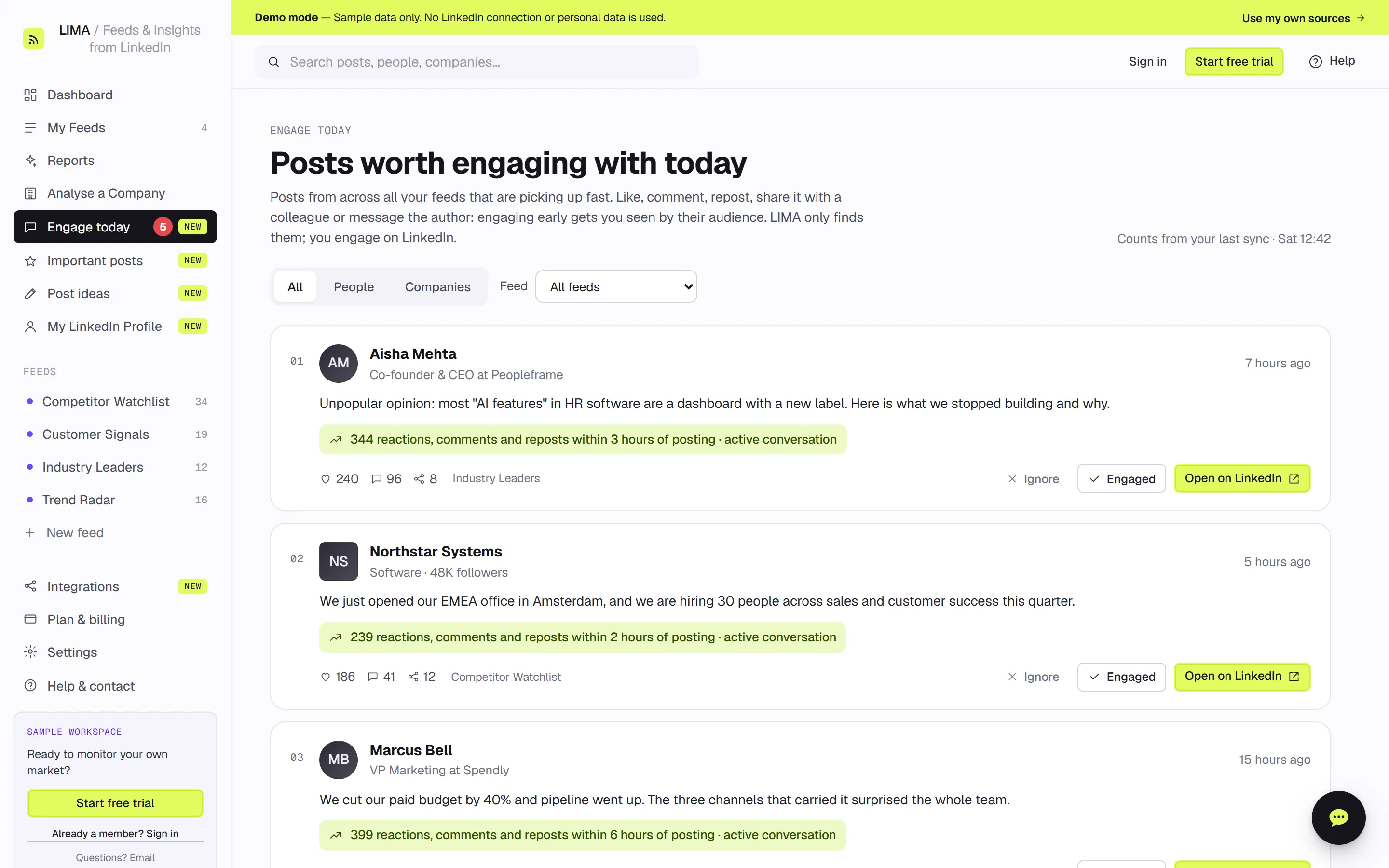
Engage today: the LinkedIn posts worth commenting on now
Engage today is a new page that picks the posts from across all your feeds that are gathering reactions fastest, while there is still time for your comment to be seen. Each post shows how many reactions, comments and reposts it earned in its first hours. You can filter by people, companies or a single feed. Mark a post Engaged or Ignore to clear it from your list. Your marks are saved to your LIMA account, so your laptop and phone show the same list. Your feeds now also refresh twice during the day (around 12:30 and 16:30 your time), so the list stays current. LIMA only finds the posts; you always engage on LinkedIn yourself.
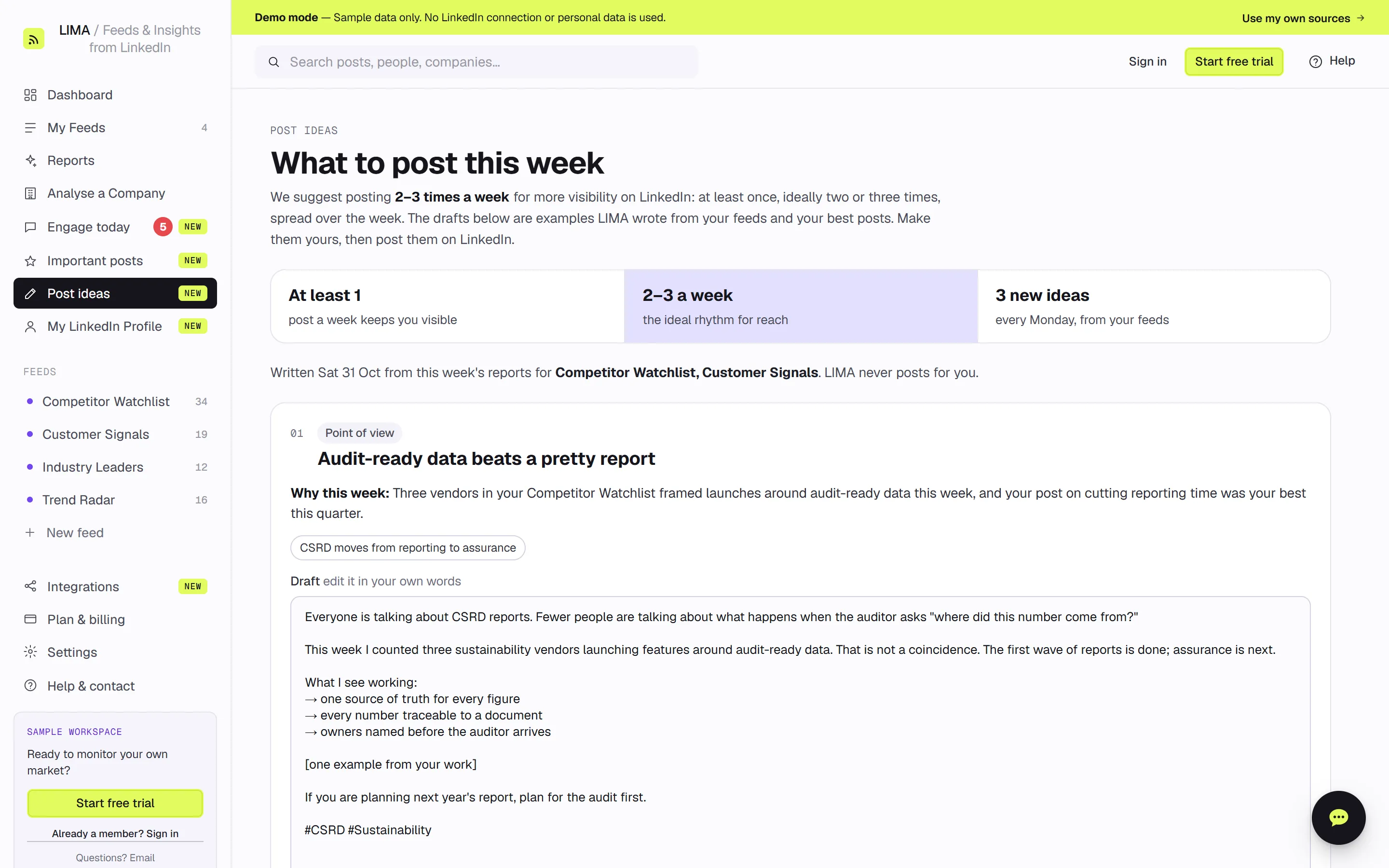
Post ideas: three LinkedIn post drafts every week
The new Post ideas page answers "what should I post this week?" Every Monday LIMA writes three post ideas from the themes and signals in your feed reports and from your own best-performing posts. Each idea has a title, a format, a "why this week" line and a full draft you can edit before you copy it, or before you open LinkedIn with one click. For more visibility we recommend posting at least once a week, ideally two or three times. Drafts never invent facts: where your own example or number belongs, they leave a [placeholder] for you to fill in. You can ask for two new sets of ideas a week, and LIMA never posts for you.
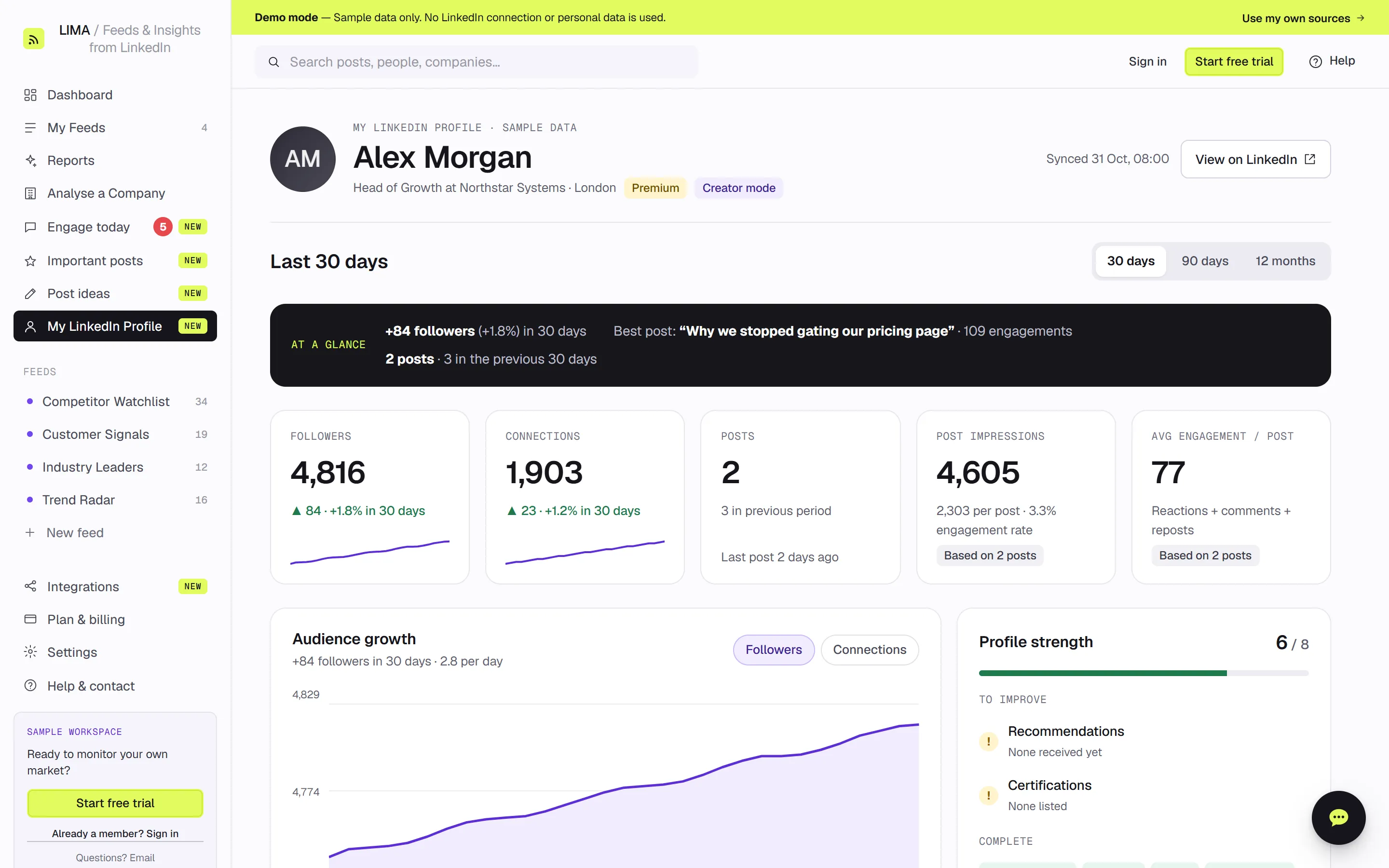
My LinkedIn Profile: your own followers, posts and impressions
LIMA now tracks your own LinkedIn profile as well as the people and companies you follow. My LinkedIn Profile shows your followers, connections, posts, post impressions and average engagement per post, over 30 days, 90 days or 12 months. An "at a glance" line sums up the period and names your best post. An audience growth chart shows the trend, and a profile strength checklist tells you what to complete next. Your stats are updated every day and stored as daily history, so the trend lines grow over time. You can also refresh from LinkedIn up to three times a day.
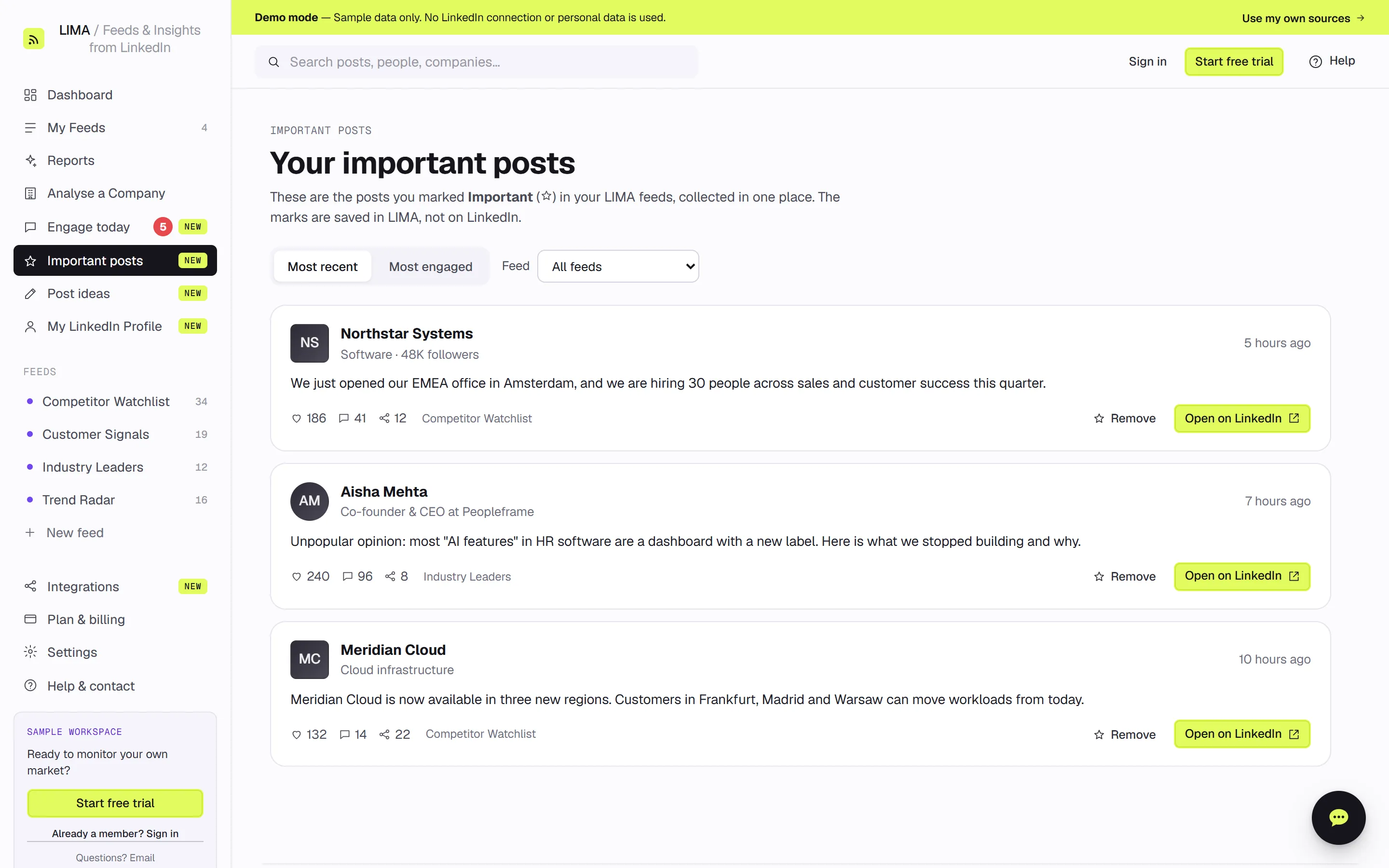
Important posts: everything you starred, in one place
Posts you mark Important (☆) in any feed are now collected on one Important posts page. Sort them by most recent or most engaged, filter them by feed, and open any of them on LinkedIn. Starred posts are kept even after they would normally drop out of your feed, so the competitor announcement or customer post you flagged is still there when you need it. Your marks are saved in LIMA, not on LinkedIn.
Microsoft Teams and Slack: your daily report where your team works
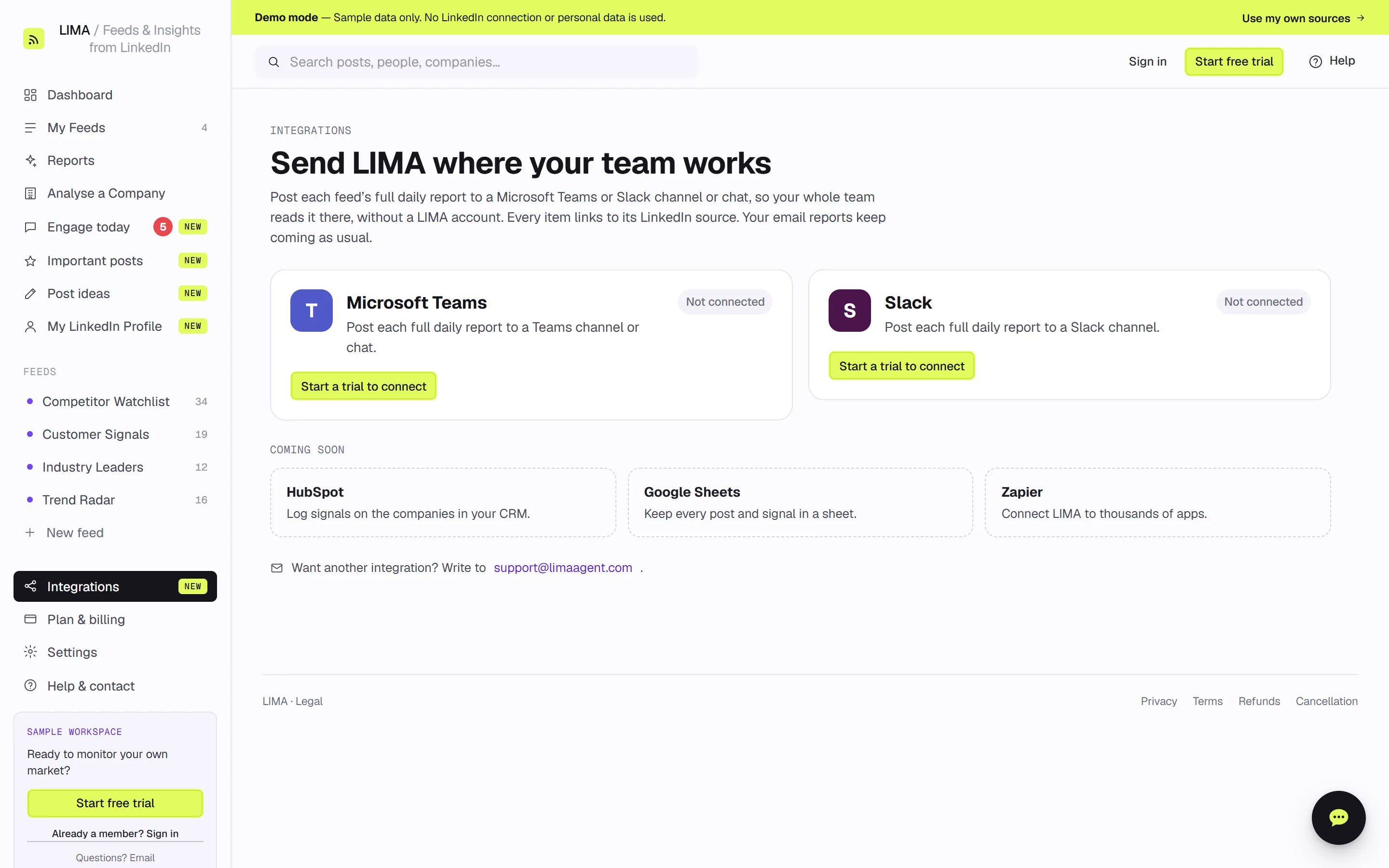
You can now post each feed's full daily report to a Microsoft Teams channel or chat, or to a Slack channel. Colleagues can read the report there without a LIMA account, and every item links back to its LinkedIn source. Connect from the new Integrations page in a couple of minutes. Your email reports keep arriving as usual. HubSpot, Google Sheets and Zapier are next on the list.
A 14-day free trial with your whole plan
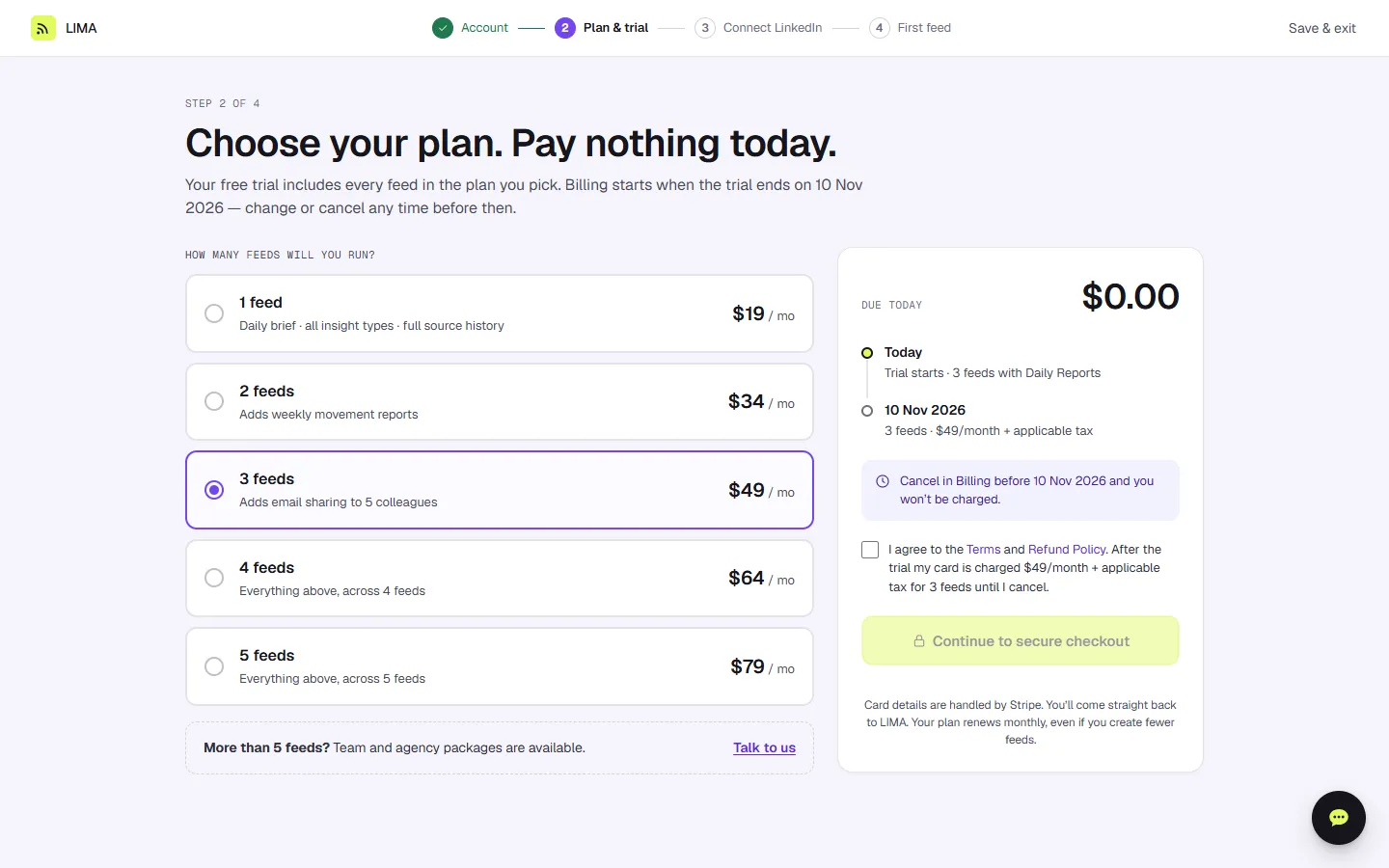
Getting started is now simpler and more generous. The new setup takes you through four short steps: account, plan and trial, connecting LinkedIn, and your first feed. Your 14-day free trial now includes every feed in the plan you pick, from one to five, so you try LIMA exactly as you would use it. You pay nothing today, you can see the date billing starts, and you can change or cancel any time before then. Before the trial ends we also email you a short recap of what LIMA found for you.
See it in your own feeds
LIMA reads the companies and people you follow on LinkedIn and tells you what changed. It never posts, comments or likes for you.
Screenshots come from the LIMA demo with sample data. Subscribe via RSS.